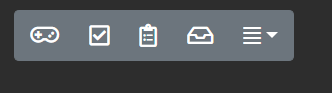
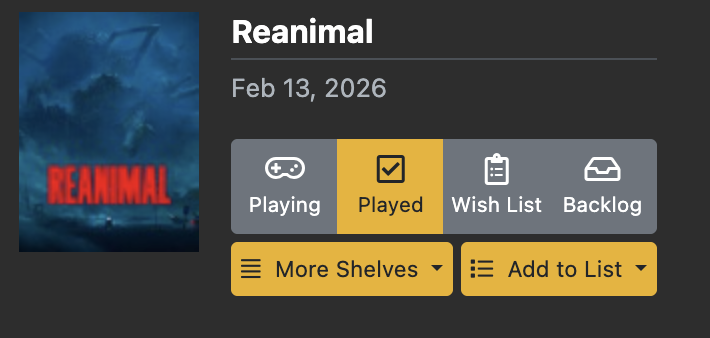
I did find that one later on and was still wondering if there was another way to add shelves in the new shelf style. But, I’ve since gotten accustomed to how to add shelves via the Hamburger button. I think it works great, especially when adding new games to one’s list!
No, it was what you mentioned with the default sort. I wasn’t sure if maybe I was missing some setting in the shelves to set the default sort. In the end I actually found myself conflicted between using the old and new shelf style as I was setting up my shelves. The old shelves had the default sort as well as the widget which I both really liked and used, but the new shelves’ style as well as the functionality for arranging them with drag & drop were also really nice. For now, I’ve settled on the new shelf style and just made everything ranked to manually set a default sort.
In regards to the sticky sort, I’m not sure I would find that to be too useful generally. It’s an interesting idea though.
Overall this is a great site. Thank you for all the work you put into it!
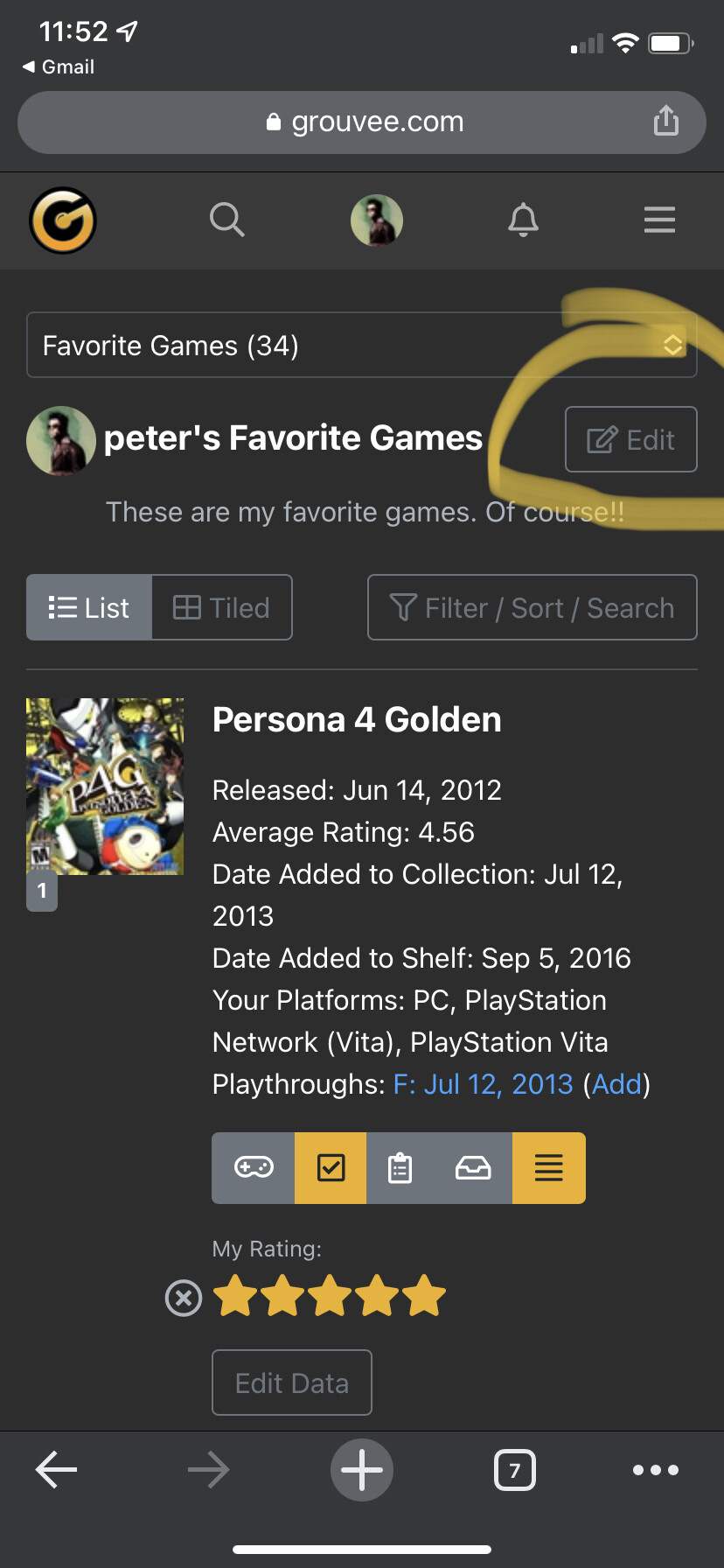
It has! Just hit the edit button at the top of the page, and that takes you to the page you can reorder all the games. Let me know if you have troubles!
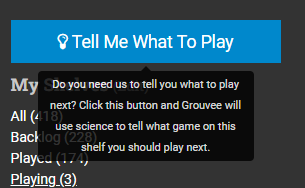
Since I have a pretty large backlog, sometimes I want to find a random game to play from it. In the new shelf this button doesn’t exist, as far as I am aware anyways.
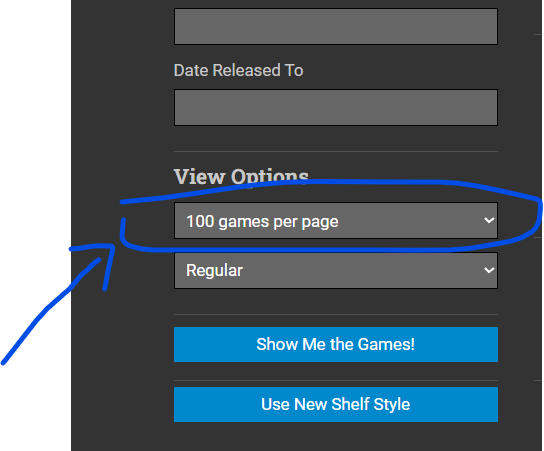
Is there a way to make this viewing option persistant across shelves and logins? 50 games per page isnt enough for me, and i’d like to have it at a 100 by default, does anyone have an idea, Thank you
Also i have just noticed that the new Shelf doesnt even have this setting, would be nice to have it back and to have a way to set a default games number per page
Notification when a DLC of a game you added to a list, comes out. So you could continue it althrought you played it, because you “did not ended” fully should be a good addon to shelves
AND and OR sorts are missing in new shelf. Also, I like the NOT option, but it should be as well with AND and OR filters inputs.
Additionally, the “tell me what to play” option is missing as well. If it could be possible in a future update it would be awesome
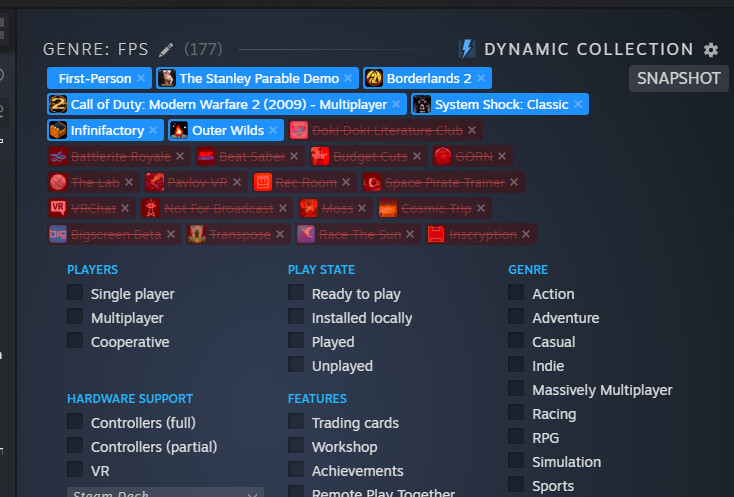
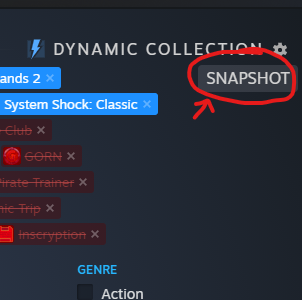
AND and OR could be nice options, but also it would be great to have a feature to export a “snapshot” of the contents of a shelf to another shelf. That way I could add a few filters to a shelf like “Games I’ve Played, Available on Nintendo Switch, Originally Released in the Last 5 Years” then save that as it’s own list of Recommended Modern Switch Games or whatever.
Steam has this with their dynamic library snapshot option.
Ok, and this is pie in the sky pushing the limits of reasonable, but I’ve fallen in love with SteamGridDB this year with my Steam Deck to completely customize the art of my steam library as well as emulated and retro games. I know we’re beholden to the art used the Giant Bomb database, but some kind of integration with SteamGridDB to choose your own game cover art by connecting your account would be awesome.
Even though this would likely be a massive undertaking and as such I would never expect it, I would encourage anyone here to check it out since we’re all obviously the kind of people who like to organize or digital collections to some degree.
I think the last big thing I’m going to work on here soon is cloning the old shelf pages into the “new” template. My intention is to change nothing about the look and functionality of the pages, I just want to get them on the updated template so all pages look consistent across the site. I think the only thing I would change is on mobile, I’d collapse the shelf name lists the way I do on the new pages. I think it’s a little ridiculous to scroll past 30 shelves before getting to games.
Anyway, I’ll try and post updates about it here so I can get @anarchistica to yell at me when I screw it up.