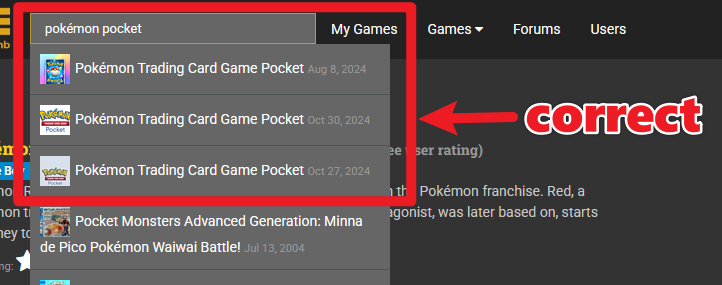
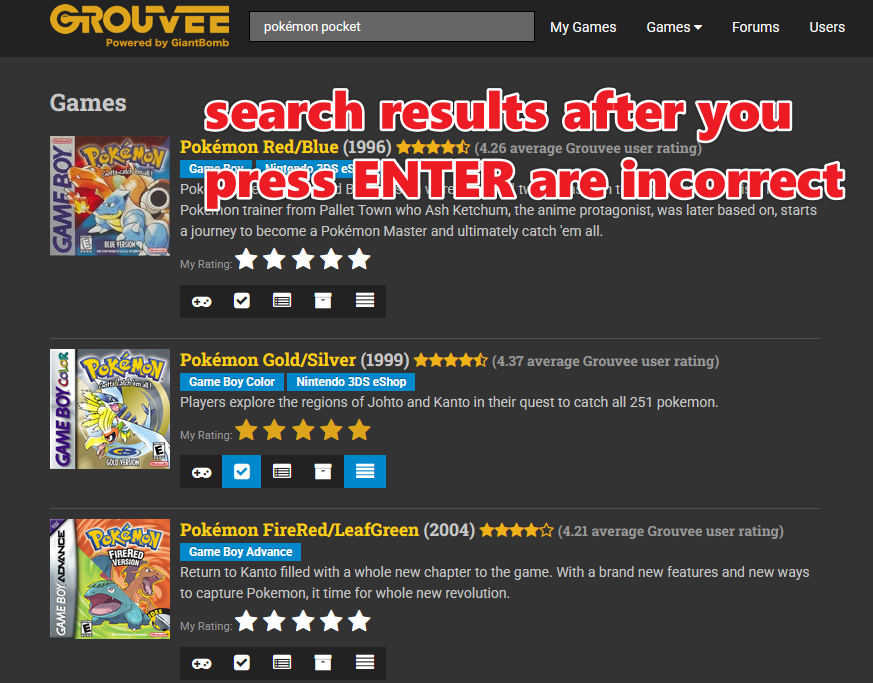
However, if I press ENTER to actually show the entire search results, what I get is other related games but not the ones that should be showing based on my search query:
I even went to the 2nd page of search results (for a total of 50 games that I looked through) but not a single one was the game I was looking for “Pokémon Trading Card Game Pocket”
Right now there’s a pretty extensive data migration and the final search results after you press Enter is very case sensitive. So for you to see all those Pokemon entries, you must type Pokémon.
It shouldn’t always work this way but until the data migration is complete, which may be awhile yet as there’s no ETA, keep in mind case sensitivity when searching for games. Caps lock shouldn’t have any impact but the spelling, including special characters, will need to be considered.
I think Pokemon has always been weird because of the diacritic. I think some are Unicode, some are the add the accent after the fact or what have you, so it’s tough to pin down. I don’t think this is a Grouvee problem but maybe at some point they can be standardized.
Other searches should be fine. If you want to include igdb results, I believe you have to use the full title, punctuation and all.
@Roach case sensitivity only refers to upper and lowercase letters. Grouvee searches are not case sensitive.
If you look at the screenshot, I did include the special é when I did the ENTER search. I also just tried again using both the special é as well as uppper case P so that it reads “Pokémon Pocket” and the result was the same (it didn’t show up in the first page). Here’s a link to the search query if you’d like to try it:
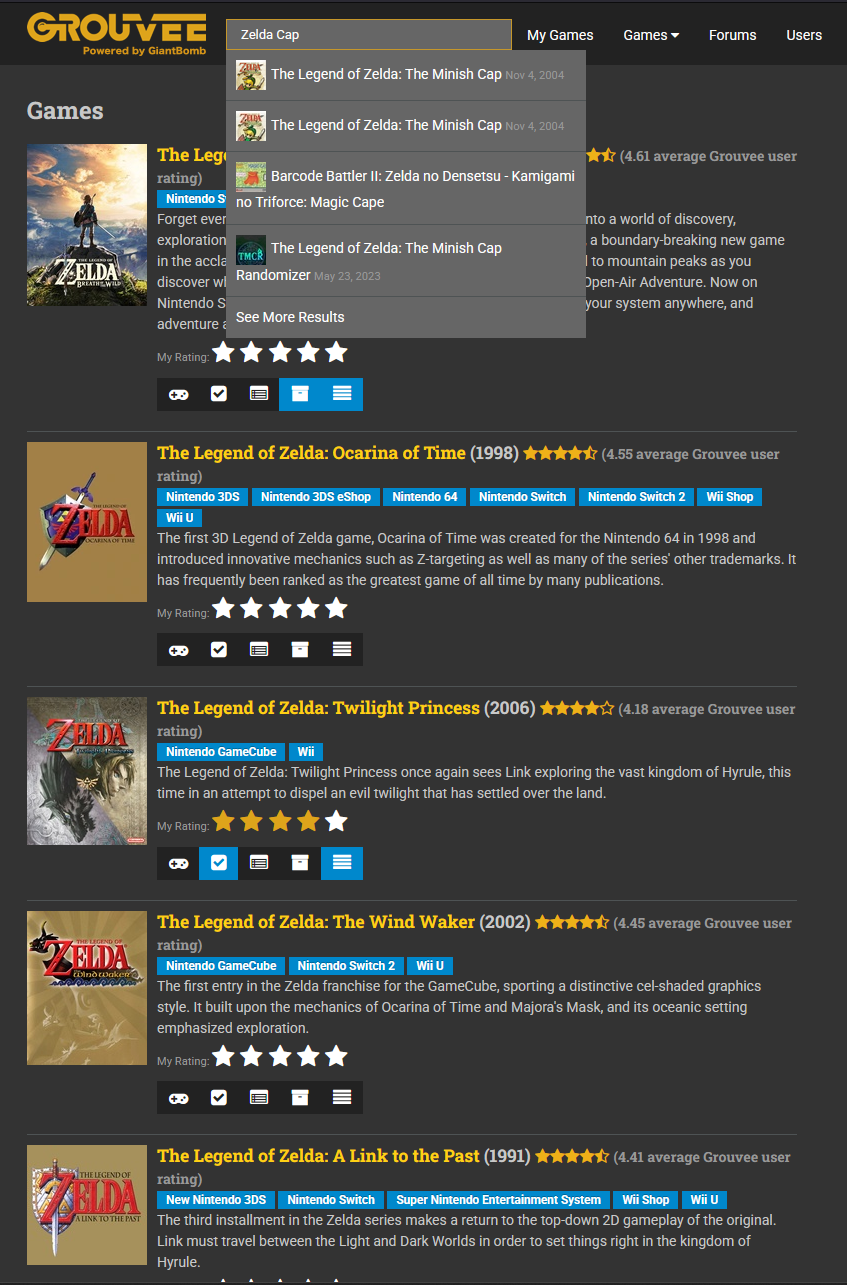
Sadly, this issue seems to happen with any games for me, not just Pokémon, as long as you enter like a partial name and not the full name. For example, if I search “Zelda Cap”, the preview shows me the “Zelda: Minish Cap” result at the top but if I press ENTER, it shows me a lot of other Zelda games that are not the Minish Cap. Here’s a link to the search query if you’d like to try it:
It’s because the way it worked before Peter’s amazing fix, Pokemon (special e) Pocket isn’t the full name of the game. The search results required the full uncut name of a title for the game to appear after hitting enter. I kept saying case sensitive before when I should’ve said character sensitive.
For example, if I had searched “Link’s Awakening”, all entries would not appear. But if I searched “the Legend of Zelda: Link’s Awakening”, that would show all results matching exactly that. If I left out the “:”, it wouldn’t appear either. If I specifically wanted the DX version, I would have to put “the Legend of Zelda: Link’s Awakening DX.” It was super picky.