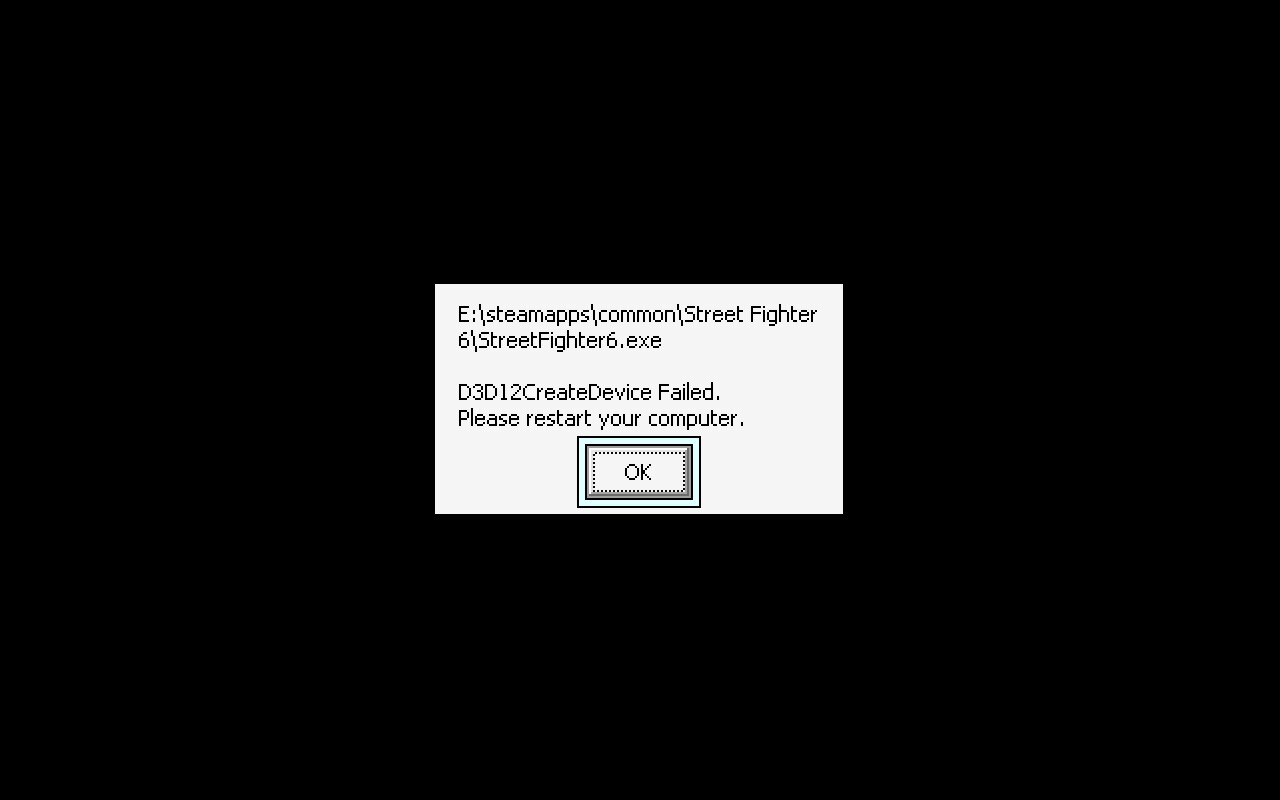
No, I’m playing the GoG version. I installed it through Heroic and tried launching it both as a stand alone and through Steam. I tried a few different Proton versions.
I didn’t see that info from ProtonDB so I might give that a go. If that doesn’t work I’ll call it a day.
Update: Tried with Proton GE Latest, Proton GE 9.26 and Proton 9.0 (Beta) and all failed to launch. Proton ULWGL and Wine GE Latest launch but have just blocks of colour instead of graphics.
Too much messing about now. I’ll just play it on my old laptop
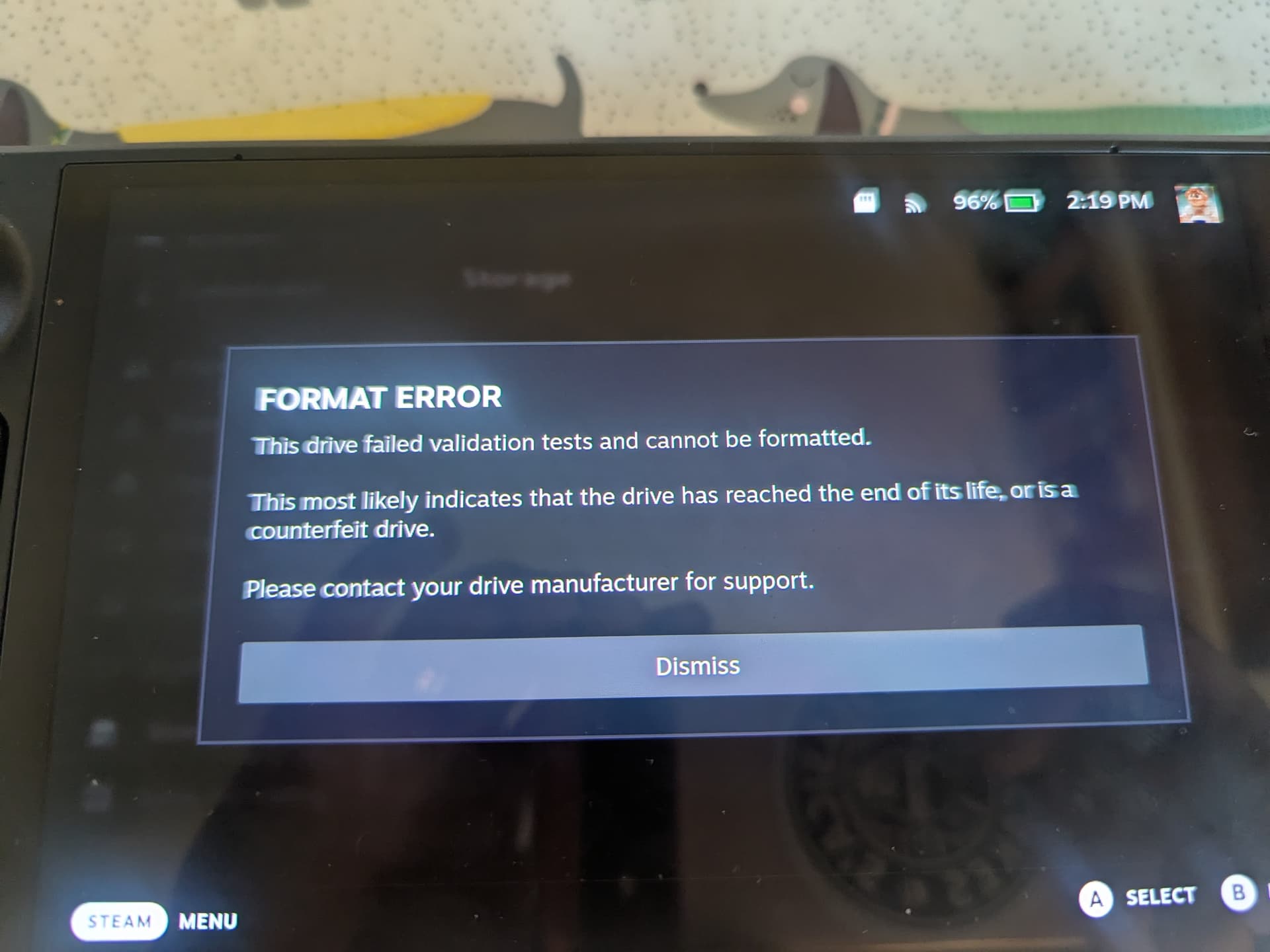
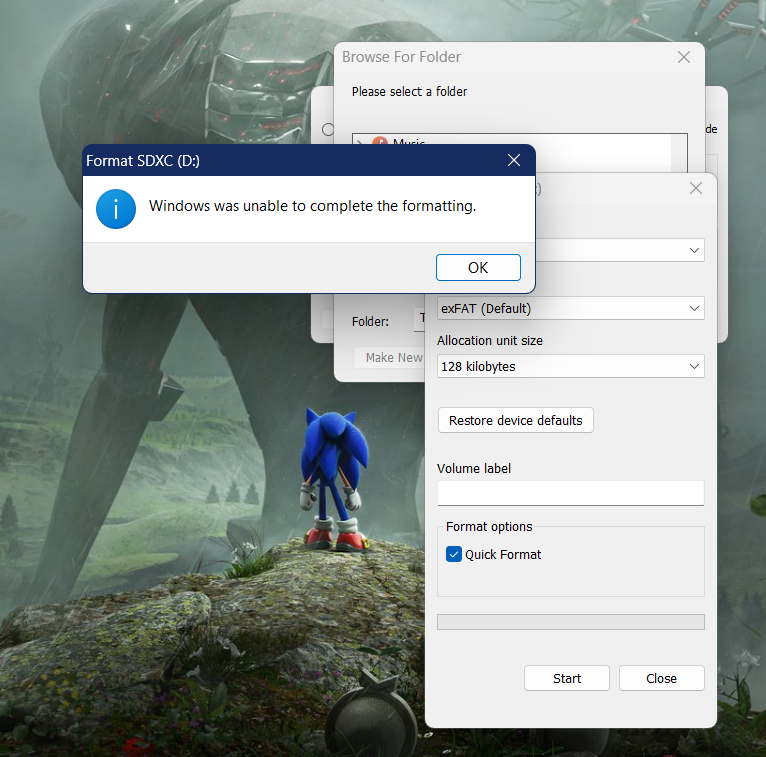
I would do a f3probe test to verify for certain if the card isn’t counterfeit, as counterfeit cards are unfortunately common (especially through online retailers, and doubly so for Amazon). Counterfeit cards will still run in Windows, they just report themselves as a different brand or capacity than they really are, so being able to use it in Windows is itself not an indication of authenticity, sadly. f3probe is a Linux process you can run to test this, and it runs directly in SteamOS:
Boot to desktop mode.
Insert the micro sdcard and when the notification appears, click the item that says Safely Remove.
Open Konsole terminal.
Verify micro sdcard is not mounted by typing the following in the terminal: df -h | grep mmc
If the result is not blank, then need to unmount the micro sdcard in the terminal: sudo umount /dev/mmcblk0
Verify that micro sdcard is detected by entering the following in the terminal: lsblk | grep mmc
Perform the f3probe test. Warning: this might result in data loss for the micro sdcard. Use this on a fresh micro sdcard. In the terminal type: sudo f3probe -n -t /dev/mmcblk0
This will take several minutes depending on the speed of the micro sdcard.
The result will indicate if it is genuine or fake.
If you prefer a Windows app to check the authenticity of the card, you can find some here.
Looking at legit retailers, SD cards of the size I’d need (around 256GB) are just too expensive. Guess I’ll just use internal storage and delete/ move games around as I need to.
So recently my Steam Deck has been getting super hot on the back side, towards the bottom middle. It didn’t matter if it was plugged in, playing a game, sitting at the menu, it was just always hot. I thought it might be the battery, so I was a little freaked out that maybe it was damaged. The fan was still running fine. I opened it up, and it turns out it was the audio ribbon cable that runs right over the top of the battery. When it was plugged in, it would get scorching hot to the touch. Steam has told me it will be about $185 to fix it. I can use it with bluetooth headphones just fine, so I’m not going to be sending it back to them. I’m wondering it’s worth ordering a new audio board from ifixit to see if that fixes the problem. It’d be a $30 gamble I guess. Any chance anyone here has run into this before?
Yeah, that’s the part I was talking about trying to replace. It’s interesting that in the guide it says that the ribbon cable that’s getting super hot doesn’t exist in the refreshed Steam Decks. The Steam support person also told me specifically not to plug that cable back in. I wonder if they’d had issues with it. I can’t find any kind of reddit or forum post from a quick google search. I honestly might not even mess with it and just play with bluetooth headphones. This thing only controls the speakers and the audio jack.
Bloody hell, that’s a bit worrying. I’m surprised they’d put a cable across the battery like that.
I’ve the OLED model and I’ve noticed it getting hot of late. It’s not super hot, certainly not so hot I can’t touch it, but I’m not sure it was getting as hot before. I guess it could be the games I’m playing (started noticing it when I started the Arkham games), but it does worry me a little. That said, it’s no hotter (I’m pretty sure) than my laptop used to get when I ran “bigger” games on it.
For £500+ though, it better last longe than a few years.
Well that’s worrying. No issues yet but mine gets hella hot. Like you could not touch it for long periods.
I’ve prob got close to 5k hours on it now though, if there was ever a device that fights through it it’s this deck apparently.
My break point is kind of suprisng. I figured it would be drift first. but on mine the on off button is getting a little iffy. You need to take ccare with the angle on it now.
I have an OLED sitting in its case inside of a ziplock bag that I’ve played maybe a dozen times. I’m still going on my original one that I got in the Summer of 2022. I can’t even guess how many hours I’ve put into that but definitely in the thousands by now. I’ve never had an overheating problem. I also play a lot of games that aren’t drawing a ton on the G/CPU and rarely play more than 30 minutes at a time.
You have an original and an OLED? I probably shouldn’t talk or say any more about the Steam Decks I’ve purchased.
I tend to turn the TDP setting down for most games because very few need the full power to the SoC. Either as a result, or maybe because the OLED internals have a different configuration, I don’t think I’ve experienced any moments where the system gets hot. You can also change the default fan settings and if you don’t mind a louder fan, you ran run them more frequently to keep the system cooler in the long run. I think, as @Peter pointed out, the ribbon issue seems to have been resolved in later model Steam Decks, so hopefully that’s not a problem most later adopters will come up against.
I wanted an OLED and I really wanted the limited edition White one that came out last year and that’s what I did. In retrospect, that was probably an indulgent purchase I didn’t need to make.